
By using this site, you agree to the Privacy Policy and Terms of Use.
Accept
Youth Village KenyaYouth Village KenyaYouth Village Kenya
  • Home
  • Education
  • Employment
  • Entertainment
    • Celebrity News
    • Celebrity Interviews
    • Sports
    • Fashion
    • Politics
    • Tech
  • Opportunities
  • Health
  • Contact Us
Search
© 2022 Foxiz News Network. Ruby Design Company. All Rights Reserved.
Reading: 4 Tricks To Improve Your Wifi Signals
Share
Sign In
Notification Show More
Font ResizerAa
Youth Village KenyaYouth Village Kenya
Font ResizerAa
Search
Have an existing account? Sign In
Follow US
© 2022 Foxiz News Network. Ruby Design Company. All Rights Reserved.
Youth Village Kenya > Blog > Technology > 4 Tricks To Improve Your Wifi Signals
Technology

4 Tricks To Improve Your Wifi Signals

Editor
Last updated: 2018/01/11 at 5:42 AM
Editor
Share
3 Min Read
SHARE

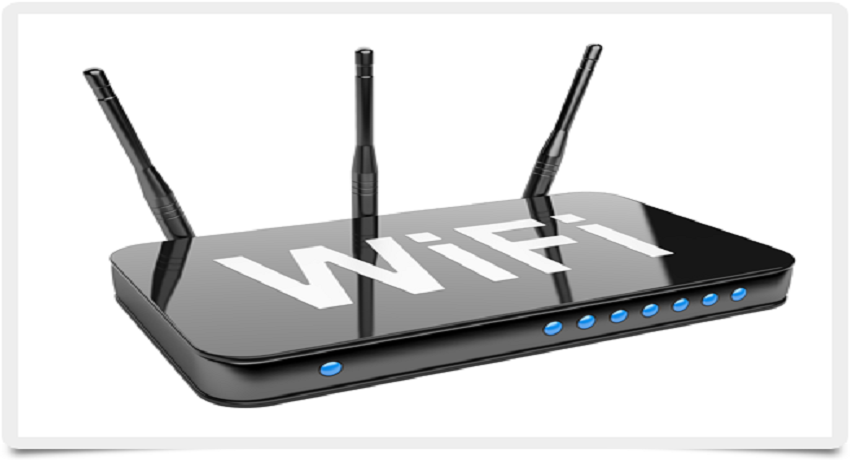
It usually happens that while watching a movie at home or doing some work via the web, the Wi-Fi connection from one moment to another falls.

Image result for wifi signals very low

This is one of the most common problems presented by Kenyans, who get used to living with this type of difficulty. Most think that the problem is in the Internet service, when it is not always the case.

Below are four main causes and solutions in the face of the fall of the Wi-Fi connection:

1.Router overloaded by a heavy use of network: It is usual to experience Wi-Fi blackout when the network is being used to the maximum in processes such as downloads, simultaneous transmission, transfer of large files, online games, among others.

The router may be working well but it is not the right combination for the needs of the network. One solution is to choose a router that accommodates all the connected devices and the demands that the network will have.


2.The Wi-Fi signal is weak or not extended so far: Wi-Fi connections can easily fall when connected devices are located near the end wireless signal range of the network.

The further these products are, the more unstable the Wi-Fi connection will be. A good alternative would be to relocate the devices near the router so that the signal has a greater range.


3.It presents a lot of wireless interference: The router is not the only device in the home that emits a signal. Neighboring wireless signals and many household products such as Bluetooth, microwaves, televisions and cordless phones emit radio signals that can interfere with the Wi-Fi network signal. Moving the router away from these computers is an easy solution.


4.The firmware or drivers need an update: Computers connect to a Wi-Fi network using a device driver and the router creates a Wi-Fi signal based on the firmware.

Both systems can occasionally affect your connection if the two or some require an update. It is advisable to verify the driver updates on the computer and install new firmware for the router from the product’s website.


If these 4 measures prove futile, Please contact your ISP- Internet Service

You Might Also Like

MP Majimbo Kalasinga Proposes Reduction of Minimum Age Requirement for Inua Jamii Program

MP Ndindi Nyoro Loses Facebook Page To Hackers

10 Interesting Facts About President Ruto’s S560 Mercedes Used On Jamhuri Day

10 Useful Websites That Will Teach You Tech Skills For Free

10 Things To Check Before Long Journey

TAGGED: INTERNET, WIFI

Sign Up For Daily Newsletter

Be keep up! Get the latest breaking news delivered straight to your inbox.
[mc4wp_form]
By signing up, you agree to our Terms of Use and acknowledge the data practices in our Privacy Policy. You may unsubscribe at any time.
Editor January 11, 2018 January 11, 2018
Share This Article
Facebook Twitter Copy Link Print
Share
Previous Article Graphics Design Intern Needed
Next Article 4 Ways To Extend The Life Of Your Laptop’s Battery
- Advertisement -

Latest News

Dr Ofweneke Reveals How Steve Harvey Book Helped Him Avoid Deportation in the United States
Entertainment May 29, 2026
Nungari Kiore Expands Her Creative Reach With New Vertical Drama Blocked
Entertainment May 29, 2026
Ronald Karauri Explains Why He Left Aviation and Business for Politics
Politics May 29, 2026
Triply and Choice Bank Partnership Strengthens Travel Payments Across Emerging Markets
Business May 29, 2026
Grace Ekirapa Opens Up About Church Experience After Marriage Breakdown
Celebrity News May 29, 2026
Njambi Fever Praised for Heartwarming Relationship With Her House Manager and Acts of Kindness
Celebrity Interviews May 28, 2026
Nurse Judy Opens Up About Leaving the United States to Return to Africa and Focus on Family Life
Entertainment May 28, 2026
Diana Marua Opens Up on House Construction Struggles After KSh 45 Million G-Wagon Gift and Family Expansion Pressure
Celebrity News May 28, 2026
- Advertisement -
Follow US
© 2023 Youth Village Kenya By Nine80 Digital Media
Welcome Back!

Sign in to your account

Lost your password?