

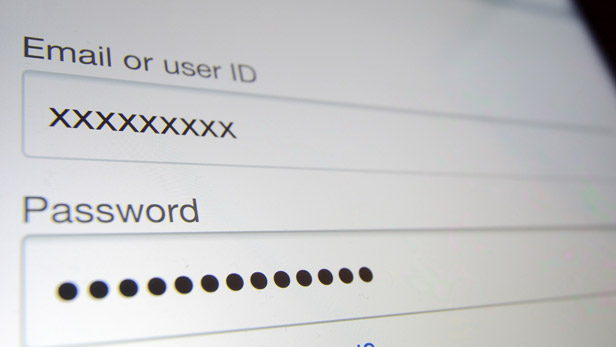
With the proliferation of web services — there’s a new one out each day, it seems — it feels like we’re always creating new accounts, each with a different username and password.
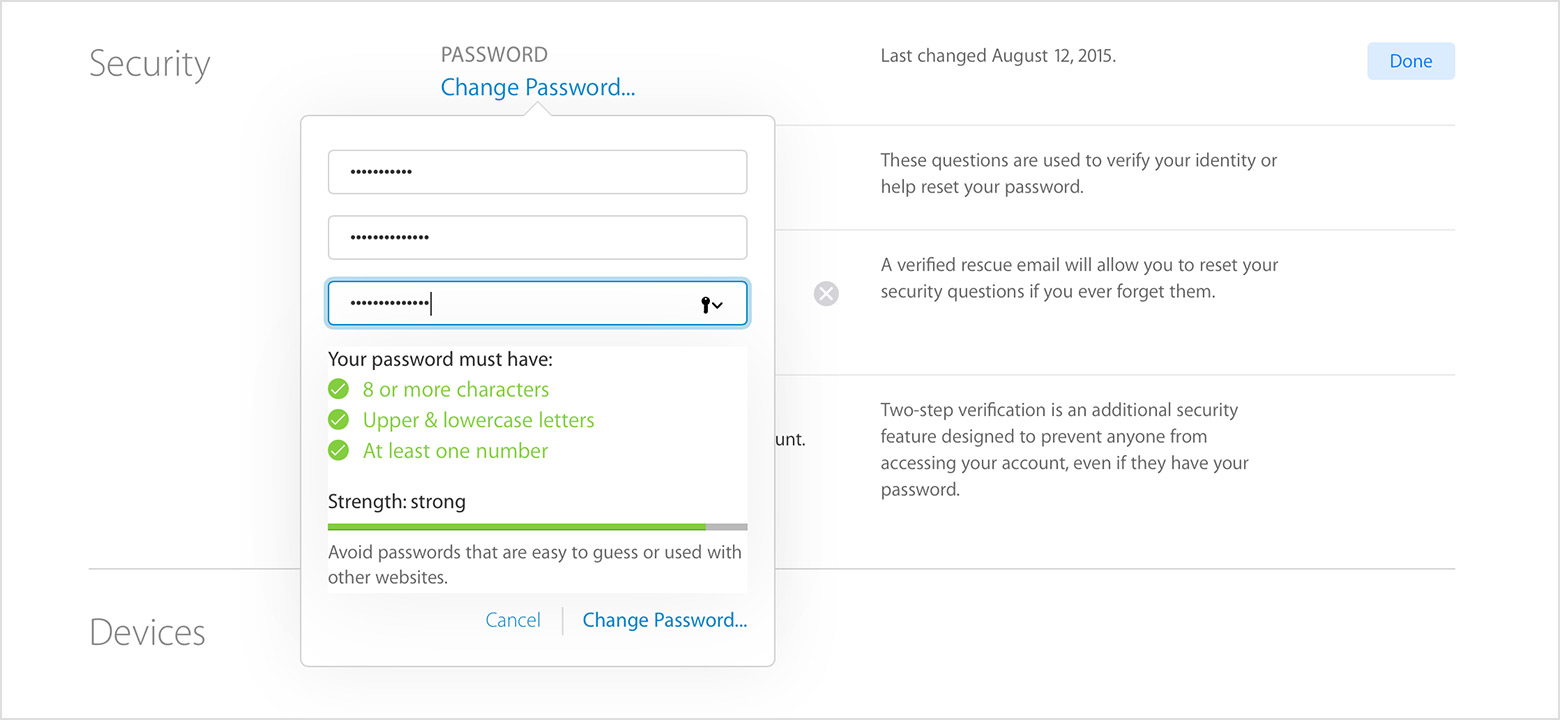
The easy options — using the same password each time or writing them down on paper or in a spreadsheet — aren’t exactly the most secure. In fact, security experts strongly warn against these options as they leave you vulnerable to online theft.
So what’s a web surfer to do? If you’ve got more than a dozen services, you’re not going to remember all of them. It’s time to look into a password manager .
From here on in, stop using our dog’s name and birth date for our single password. Here are 10 free options for doing that:
- Firefox or IE: Both popular browsers offer fairly secure ways of storing your username or passwords for different sites, once you enter them the first time. This is very handy, and can save a ton of time. Unfortunately, under certain conditions, the password could be lost, requiring you to enter the password again. And if you’ve been relying on the browser to remember the password, you’re out of luck. Also, this solution is only for online passwords, not for network or desktop passwords.
- KeePass: One of the most popular password managers out there, KeePass is great because it’s open-source, free and cross-platform — available for Windows, Linux, OS X, and even mobile devices. It keeps all your passwords, online and off, in a secure database, so you only have to remember one master password. Be sure that master password is safe!
- Clipperz: Unlike most password managers, this solution is online — so you can access it anywhere. And it stores more than passwords — credit card numbers, account numbers, anything really. Storing passwords and other confidential information online can make someplace nervous, but Clipperz uses an encryption method that means not even Clipperz knows what it’s storing. This is a good solution if you need access to your passwords from multiple computers, rather than just one or two.
- OSX Keychain: If you use a Mac, you’re most likely familiar with Keychain, which comes with OSX. Basically, it’s a password manager that uses your OSX admin password as the master password.
- KeyWallet: Windows only, this little utility sits in your system tray, and you just pull it up when you need to enter a password. As a utility, it is browswer-independent, which is ideal for some.
- Password Manager Plus: The Billeo Free Password Manager Plus toolbar works with both Firefox and Internet Explorer, and allows you to store not only passwords but credit card numbers and online account information, and can autofill your information as you shop online or paying bills, for example.
- Password Hasher: This Firefox extension generates strong passwords for you by scrambling your master password with the site’s name. The passwords generated by this extension are better than any you could come up with yourself.
- PasswordSafe: This free online service works on any modern web browser, for any OS, and a desktop version is available for Windows or Mac. Basically, it uses an encrypted safe to store your passwords, along with other information including software keys, website logins, pin numbers, email logins and more.
- Password generator: This is a little bookmarklet that combines your master password with the site’s name to create a stronger password, and one that is different for each site. Very handy and simple.
- Algorithm: The best solution may not even be a technology solution — remembering strong passwords could be as simple as coming up with a way to change a base password using the name of the online service you’re logging into. For example, if you come up with a base password of “xlg519” (based on your partner’s initials and your cat’s birthday), you can add the first two and last two letters of a service’s name (“amon” for Amazon) and you’ve got your password!
Some notes on passwords:
- Never give out your master password if you use a password manager. Be sure you never forget it.
- Don’t write passwords on a little piece of paper and stick it in your drawer. If it gets stolen, you only have yourself to blame.
- Password managers may not be safe on a shared computer — it is probably best to only install them on a computer that only you use.
- Using common information for your password is not secure — such as your birthday, initials, kids’ birthdays, names, etc. And no, “password” is not a safe password.
- Using the same password for everything is a bad idea, because once that password is discovered, a thief has access to all your accounts.