

Every day, millions of people all over the world use their smartphones, but many people don’t realize that these phones are not completely secure. If you own an Android smartphone, you need to take steps to protect yourself from fraud and identity theft.
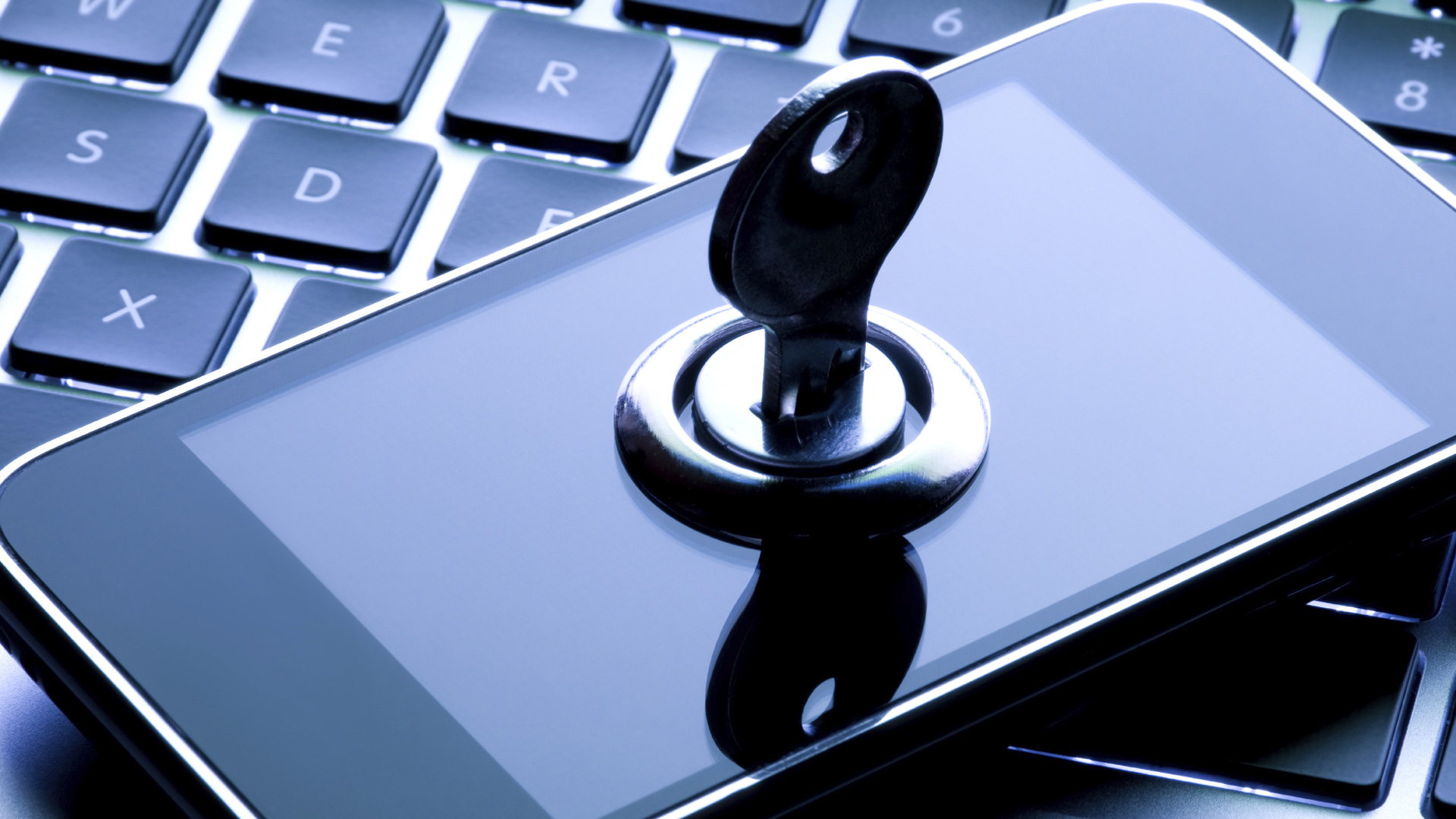
You can lose a whole lot more than just contact information and other day-to-day information! Someone could end up getting your financial information, and then you would really be in a mess. Also, you can lose the things that mean a lot to you, including photos, social media accounts, documents, emails, and more, or even worse, your information could be shared online for the rest of the world to see. With these things in mind, here are some things you can do to tighten the security on your Android device.
1.Encrypt Your Data
Encrypting data is like securing your data with a secret code that only you know. Using encryption helps to increase your security, and you can open encrypt while using any type of smartphone setting. You will need to have a password to access any of your data.
2.Lock all Apps
You need to lock all of your apps. This is particularly important for apps that contain personal information that you don’t want anyone else to see. Investigate the range of app locking apps, or search within individual apps and disable any options that allow simple and easy access – unless you’re certain that you don’t mind anyone else having access!
3.Use Built-In Security
There are all kinds of screen locks available, from passwords to pins to patterns to face unlock. Make sure that you are using at least of the screen locks that can be found in your Android settings. Be sure to make it so your passwords are not easy to guess, even with this security.
4.Choose the Best VPN Service
It is important to use the right VPN for your Android device, but there are so many out there that it can be difficult to know which one is the best for your particular needs. Do your research before you buy, and be sure to consider all the options carefully.
5.Don’t Save All Passwords
A lot of people save all of their passwords to sites and online services they use. But, if you do this, and someone were to get your device, they will have access to all of your passwords. Do not save them in your Android device, in particular, banking and payment apps.
6.Create Multiple User Accounts
If you share your device with others (spouse, children, etc.), it is important that each user has their own accounts in order to protect your privacy. If you’ve a reasonably new tablet you can create guest accounts for other users – just like on your desktop computer.
7.Install Antivirus Software
There is antivirus software available for Android devices, and we strongly suggest that you install one. Smartphones are basically hand-held computers, and they are as subject to viruses as any other computer.
8.Watch for Safe Apps Download
Loads of software and applications are available for Android devices, and you could end up unwittingly downloading harmful applications. For this reason, you need to pay attention to the smart phone agency terms and application before downloading anything. Also, you can set your antivirus to check every app that installs.
9.Avoid Financial Transactions
Never do any type of financial transactions on your smartphone or tablet. If you must do online financial transactions, be sure to use a private home computer that is password protected. If you can get a dedicated Internet line to your home, that is even better, because there is no chance that others in the neighborhood can use your service and possibly access your information.